Solo study · based on the Max persona
Will this work for a long session?
Students preparing for exams need quiet, reliable power, and enough time before closing. The closest building may not be the best fit.
Matching Berkeley students with a study space that fits their day, before they spend time walking and searching.
Cal Library brings nearby spaces, study preferences, and seat availability into one mobile journey, from choosing a library to finding a place to settle in.
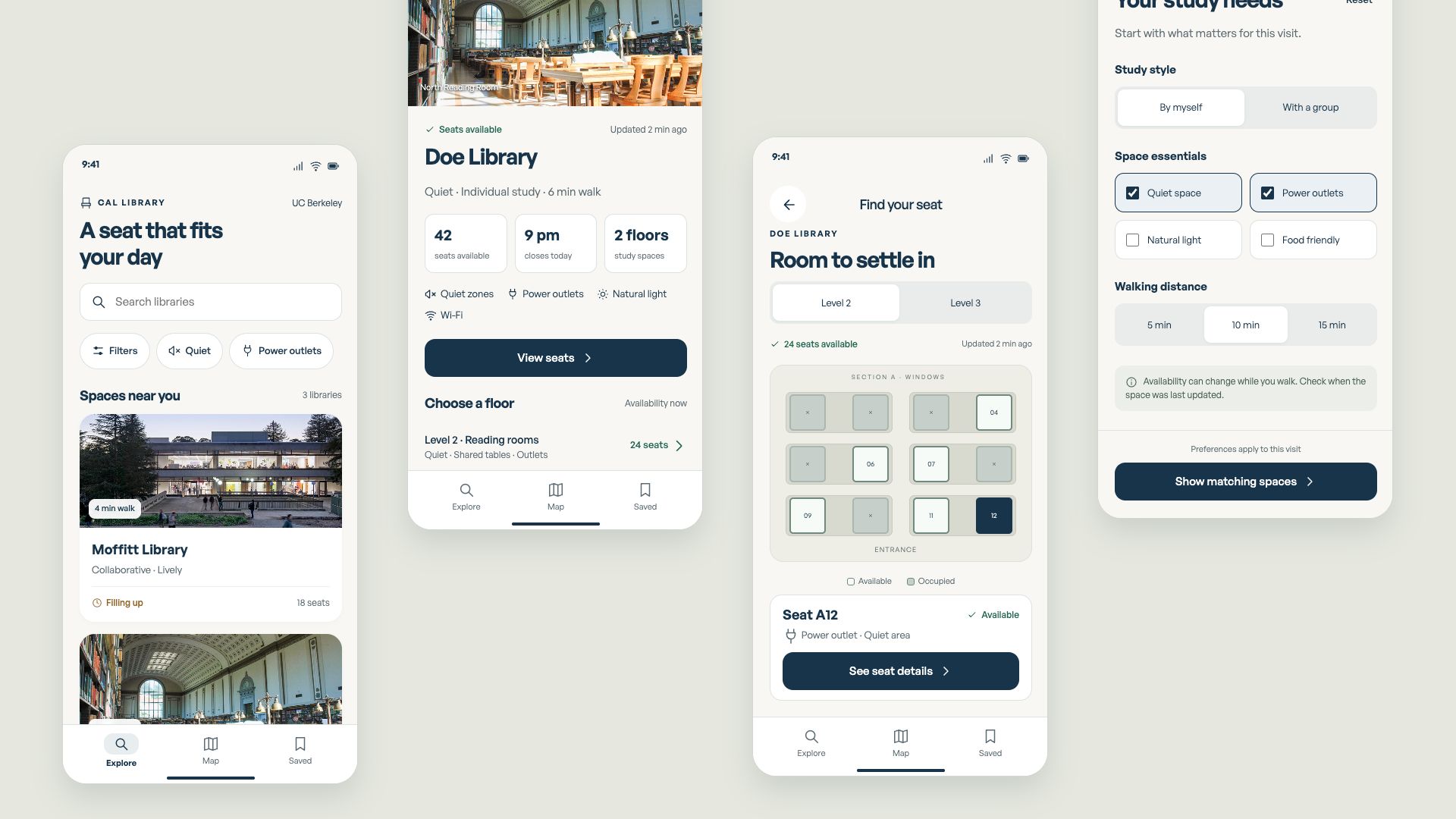
I conducted the survey and student interviews, facilitated co-creation, and translated the findings into the product flow and interface. I developed and iterated the prototypes, then revisited the visual system to make the mobile experience clearer and more complete.
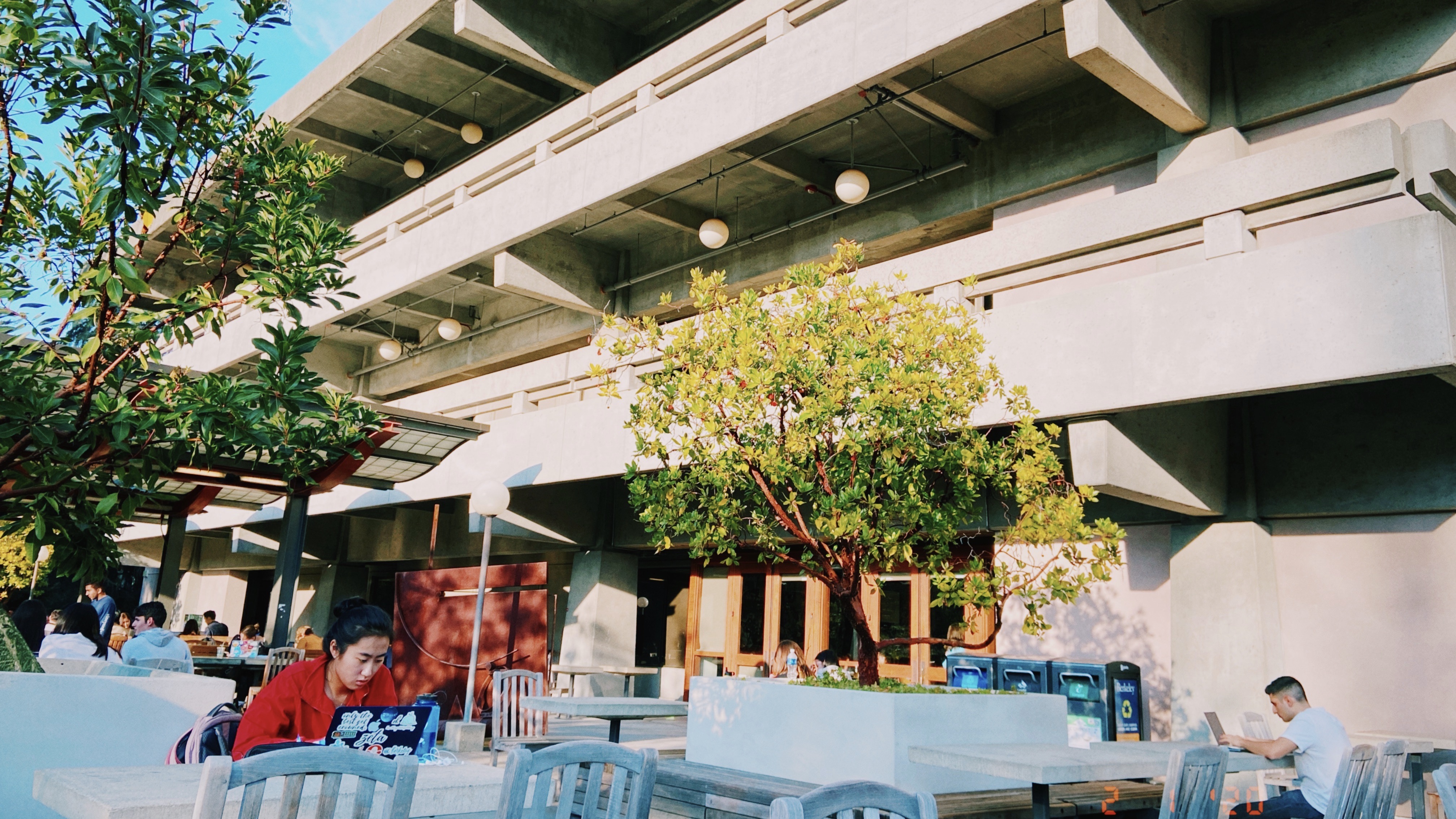
A student can find a place to sit and still be unable to study: the laptop needs power, the room is too loud, or the space does not allow a group conversation. Those details often become clear only after the walk.

A familiar library is the easy choice, but its seating conditions are still unknown.
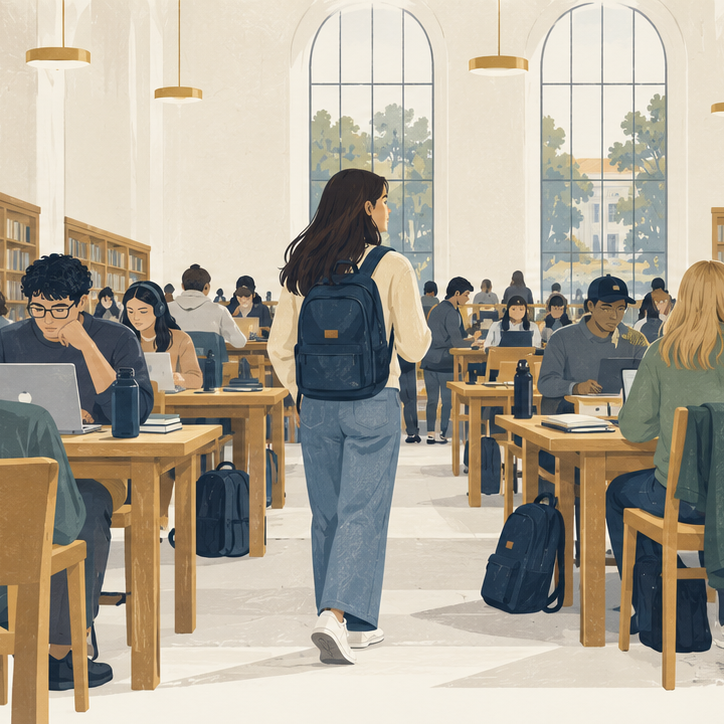
A free seat still needs power, an appropriate noise level, and room to work.
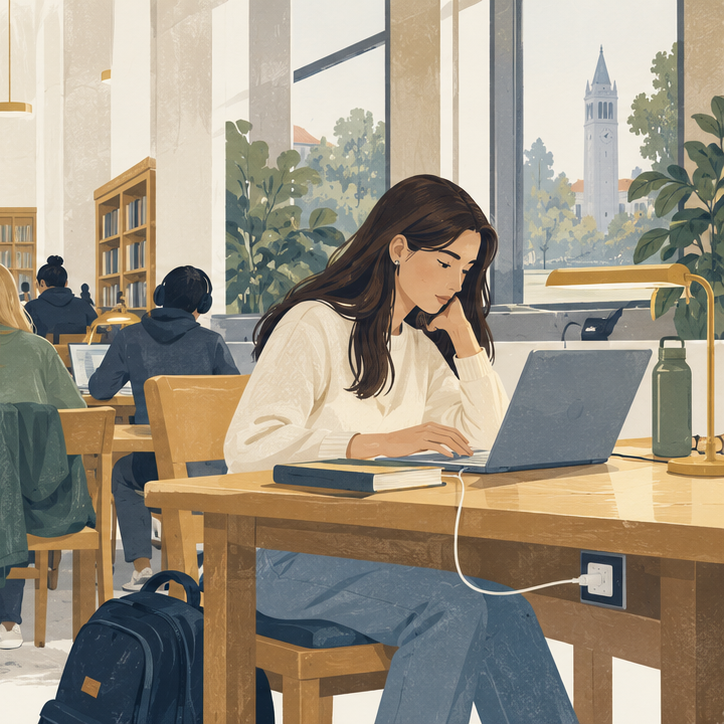
The right conditions help students start working without moving again.
Students preparing for exams need quiet, reliable power, and enough time before closing. The closest building may not be the best fit.
Students meeting for a project need a space that allows conversation. Visiting students also need enough context to choose beyond the library they already know.
I combined a campus survey with peer interviews to understand how students choose a library and what makes a seat usable. The research shifted my focus from finding any free seat to making a better decision earlier.
Survey responses
Peer interview participants
Group and one-to-one conversations about study preferences.Follow-up interviewees
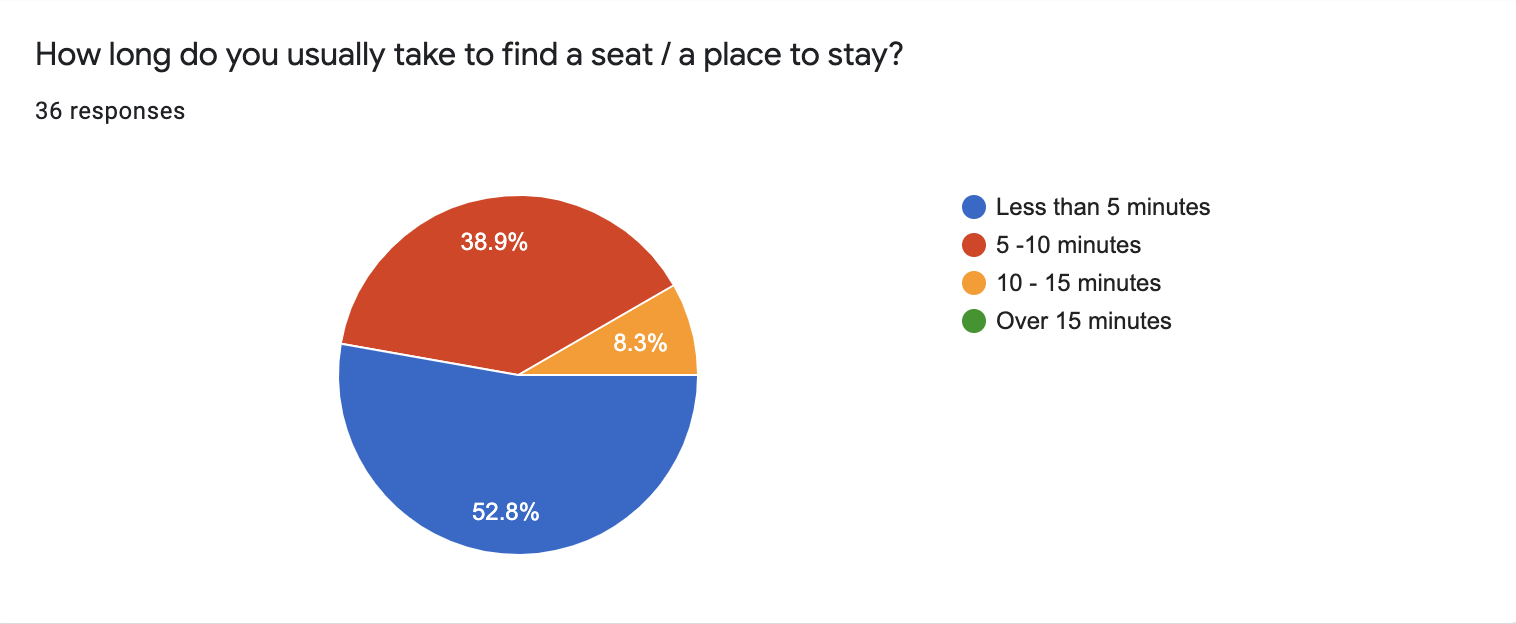
36 responses on time spent finding a seat.
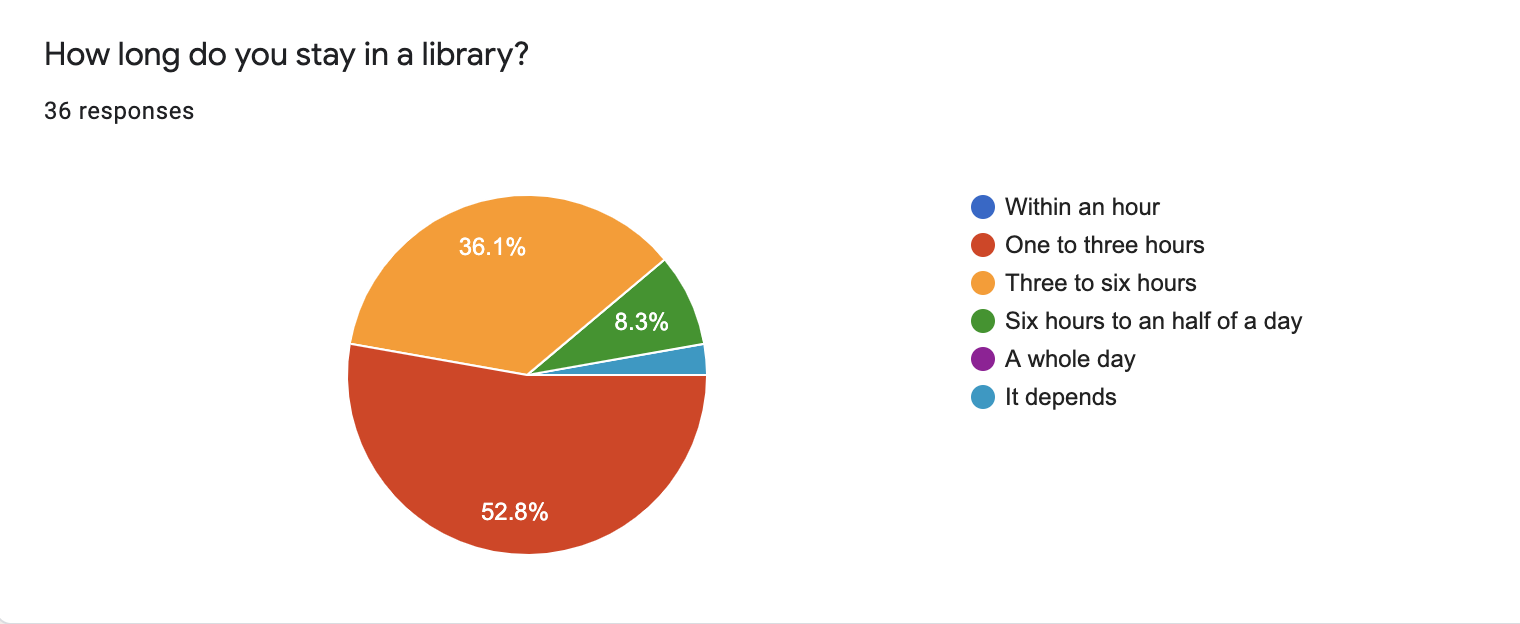
47.2% reported spending 5–15 minutes finding a seat. Most visits lasted one to six hours, making power, noise, and comfort consequential choices.
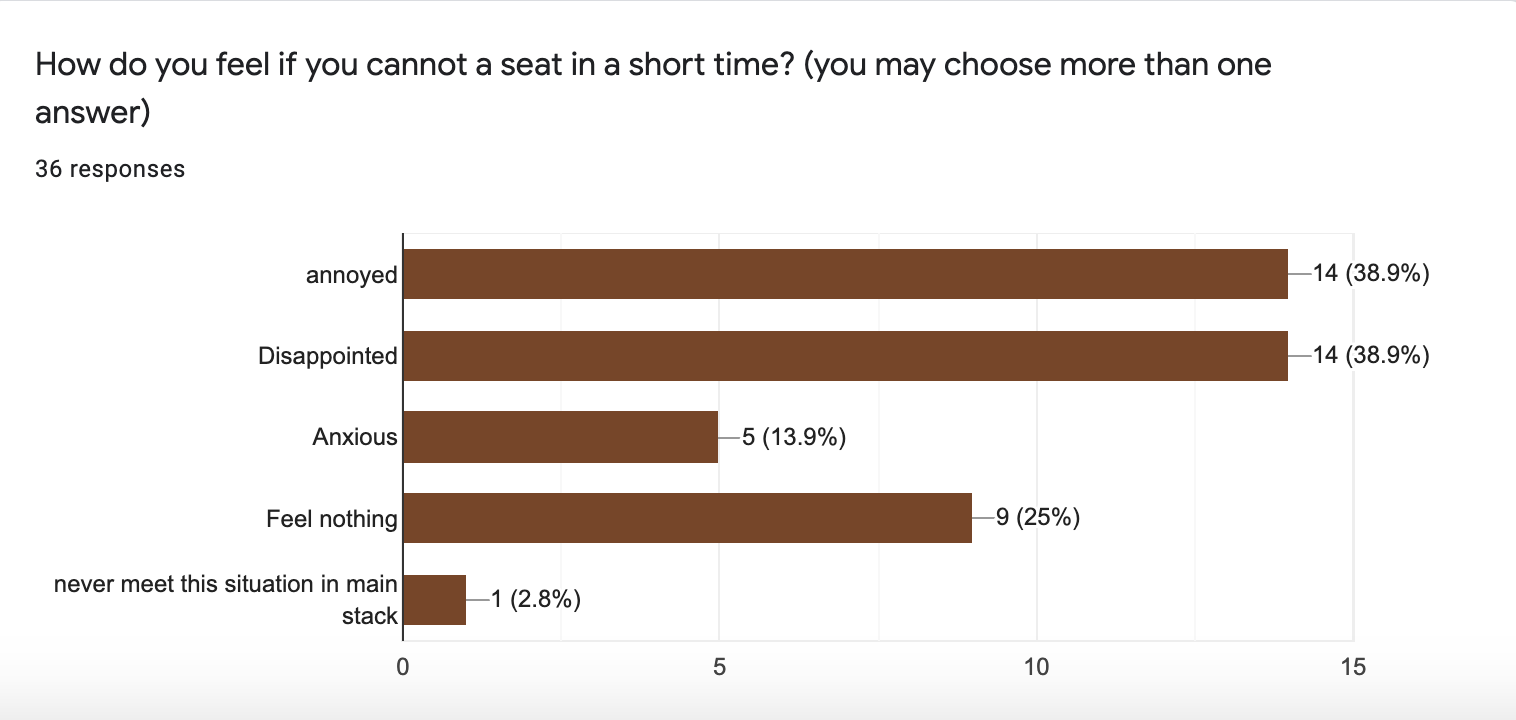
The interviews described frustration after searching for more than ten minutes, and, for some visiting students, leaving for home after an unsuccessful search.
47.2% = 38.9% + 8.3%.
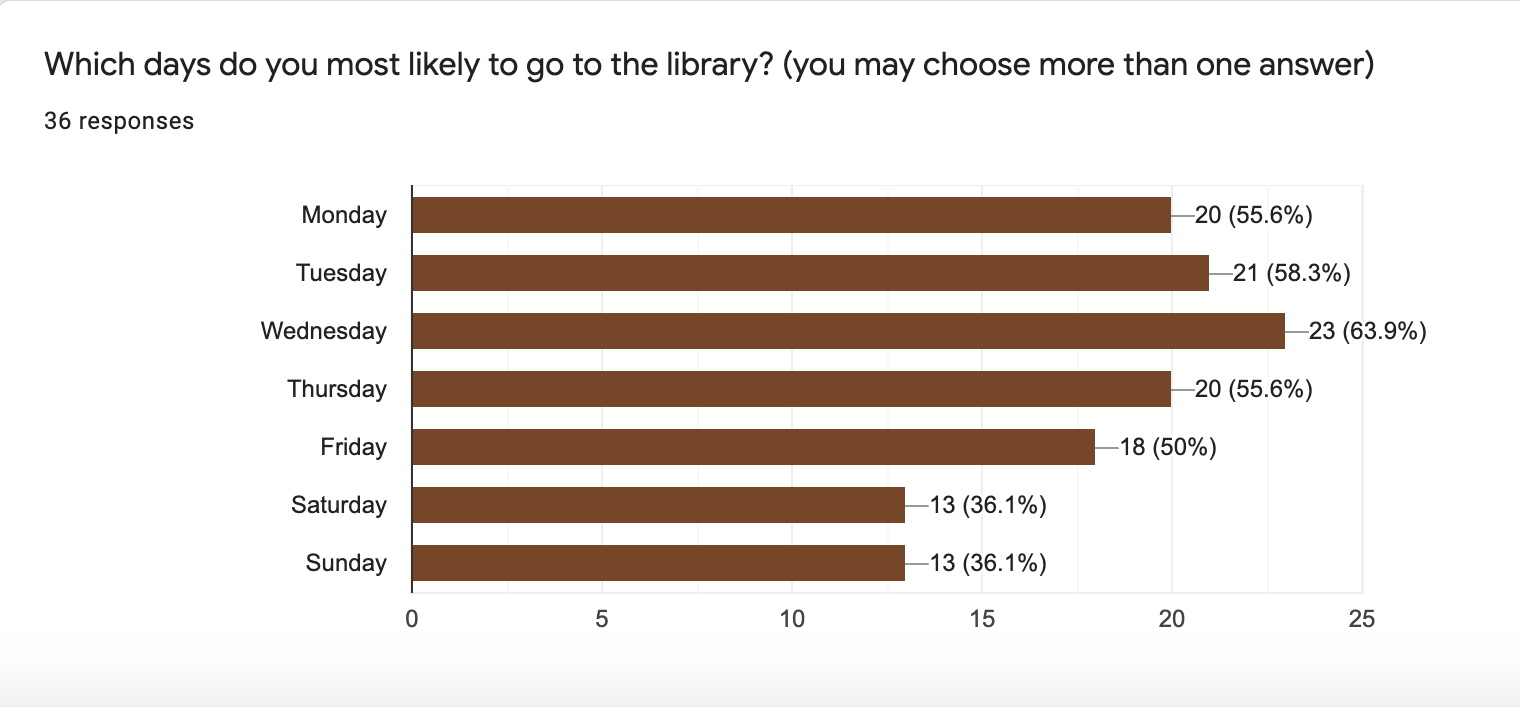
Findings from the 36-response survey.
| What the research showed | Why it matters | Design response |
|---|---|---|
| Convenience drives the first choice | Students tend to head to a familiar or nearby library between classes. | Compare walking distance alongside availability. |
| Study needs vary by visit | Power, quiet, food, and conversation determine whether a seat is useful. | Make preferences editable, with relevant facilities visible before arrival. |
| A building-level answer is incomplete | Students still need to find the right floor and seat inside. | Connect the library summary to a readable floor and seat view. |
| Unfamiliar spaces are harder to choose | Visiting students may give up after one library is full. | Use real photos and comparable summaries to make alternatives easier to assess. |
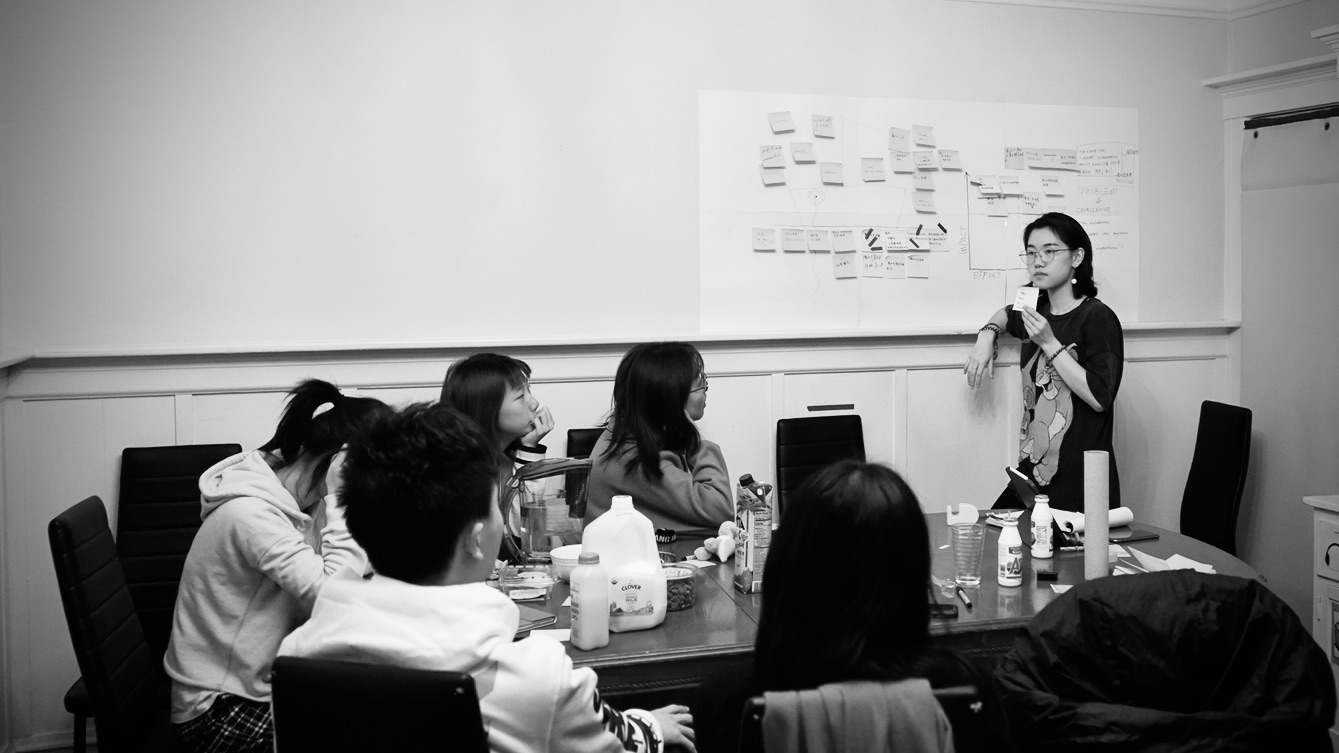
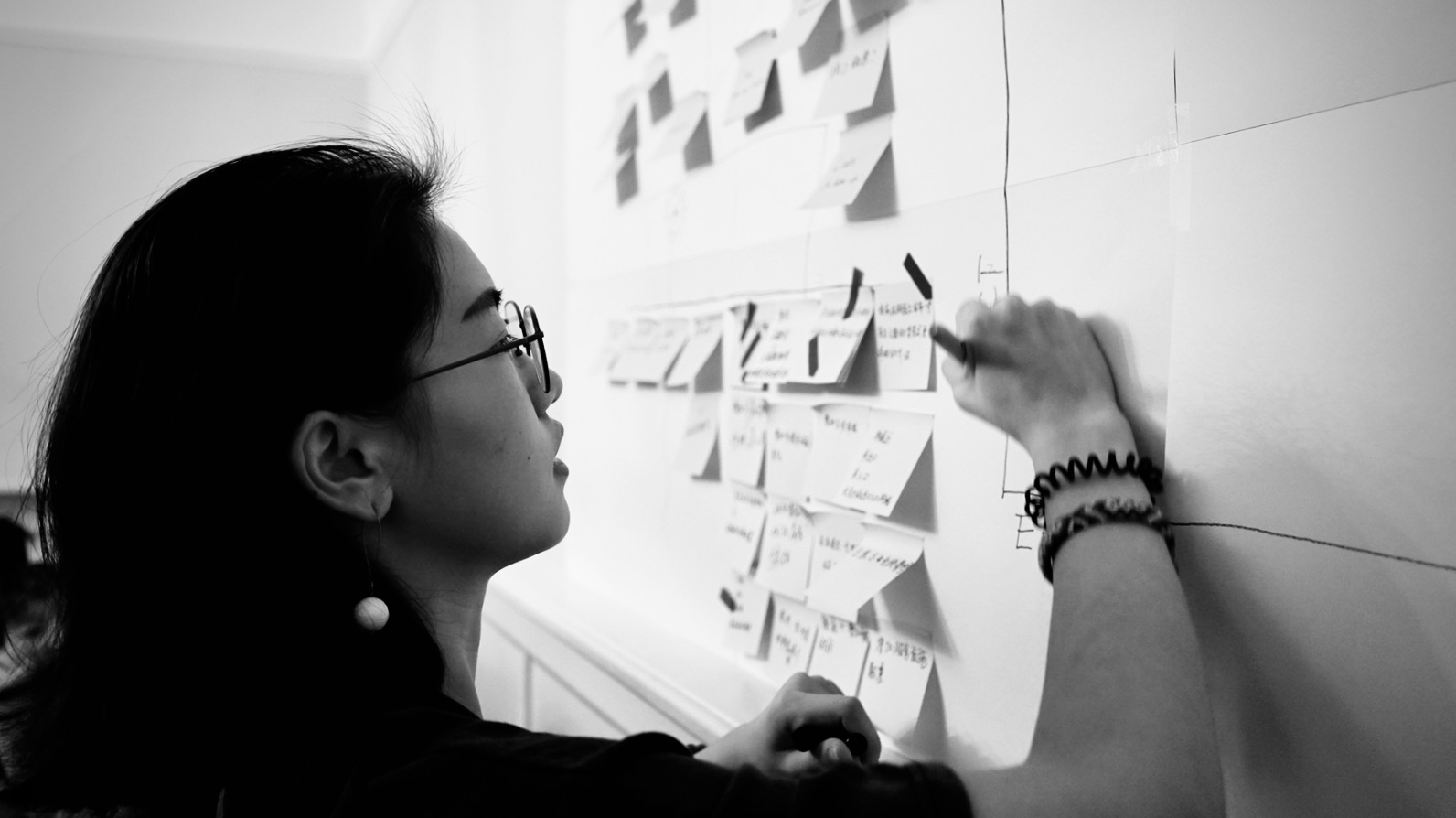
I mapped the experience across the trip, the search inside, and the study session. The greatest opportunity was to move useful information ahead of the moment when students needed it.
Goal: find a nearby seat with power and an appropriate study environment.
Head toward a convenient, familiar library without knowing its current seating conditions.
Hopeful → uncertain
Distance is visible. Crowding and relevant facilities are not.
Show nearby options, availability, opening hours, and facilities before the walk.
Walk between floors and tables, checking for a free seat with the right conditions.
Worried → frustrated
A free seat may have no outlet, poor lighting, or the wrong noise level.
Filter by study needs, then connect floor availability to a clear seat view.
Start working; reassess the space when the laptop battery runs low or needs change.
Relieved → disrupted
Missing facilities can force another move after the student has settled in.
Make seat amenities explicit and keep alternatives easy to revisit.
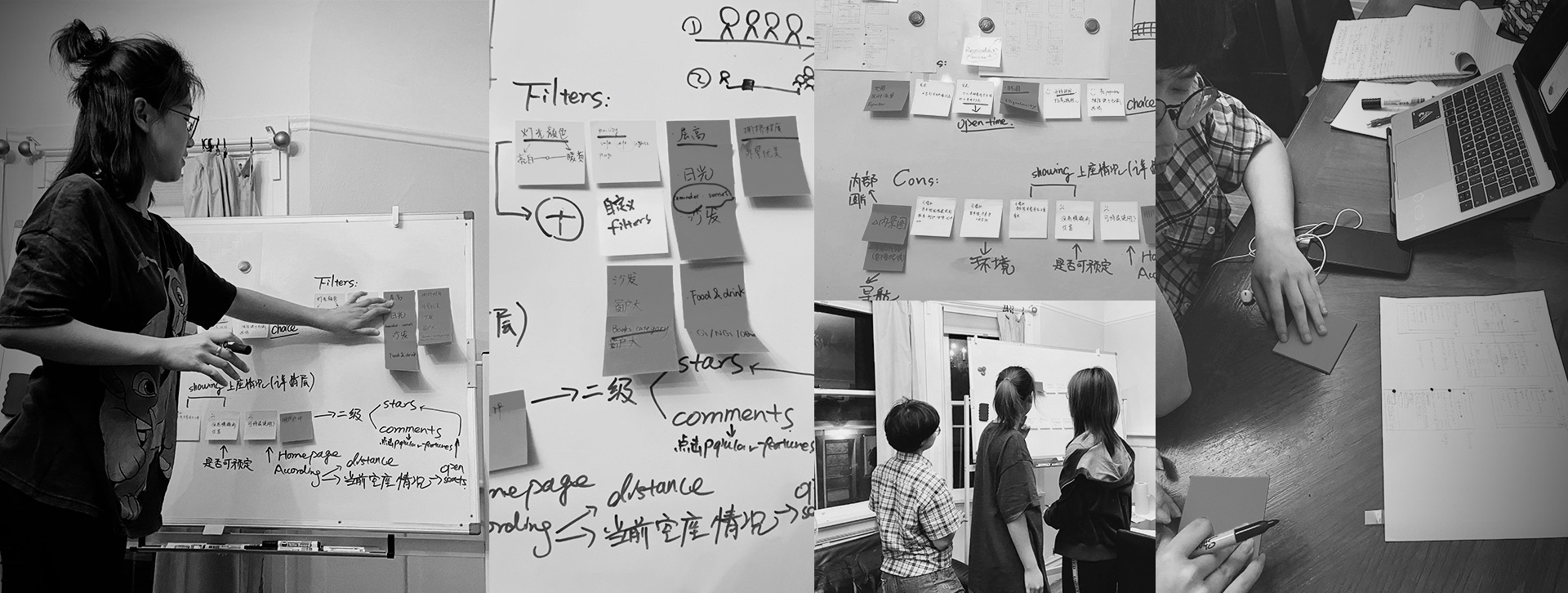
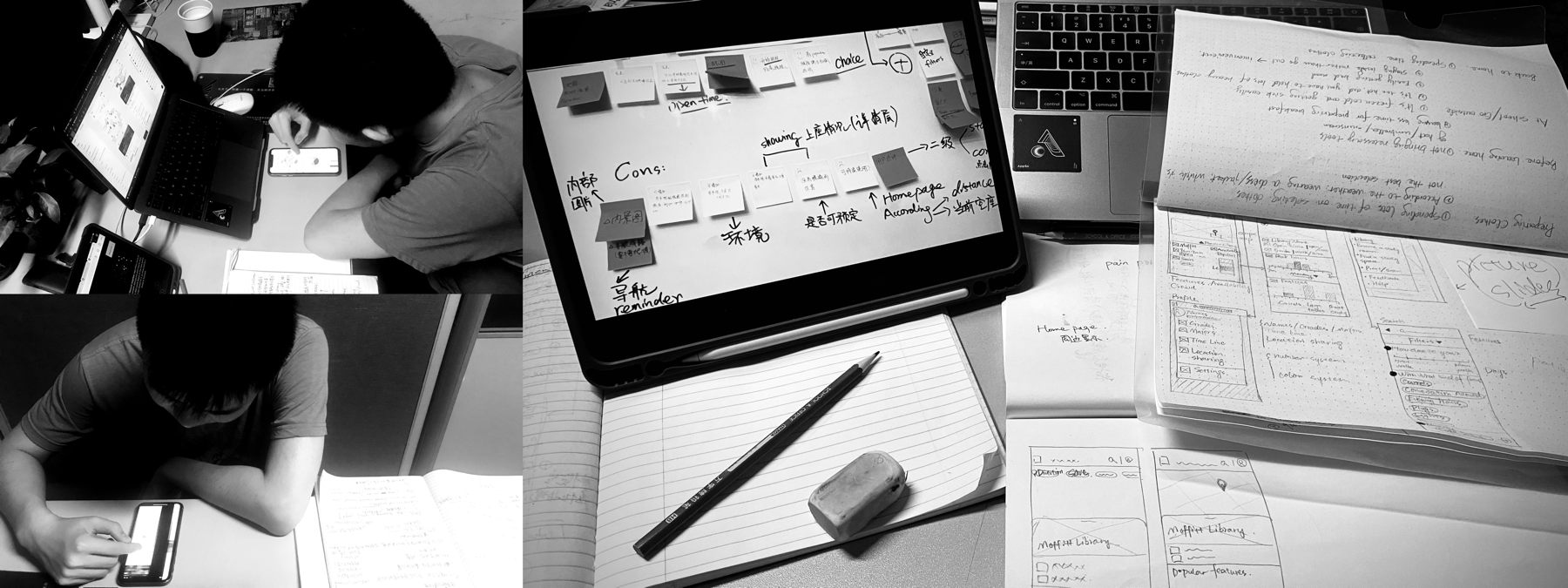
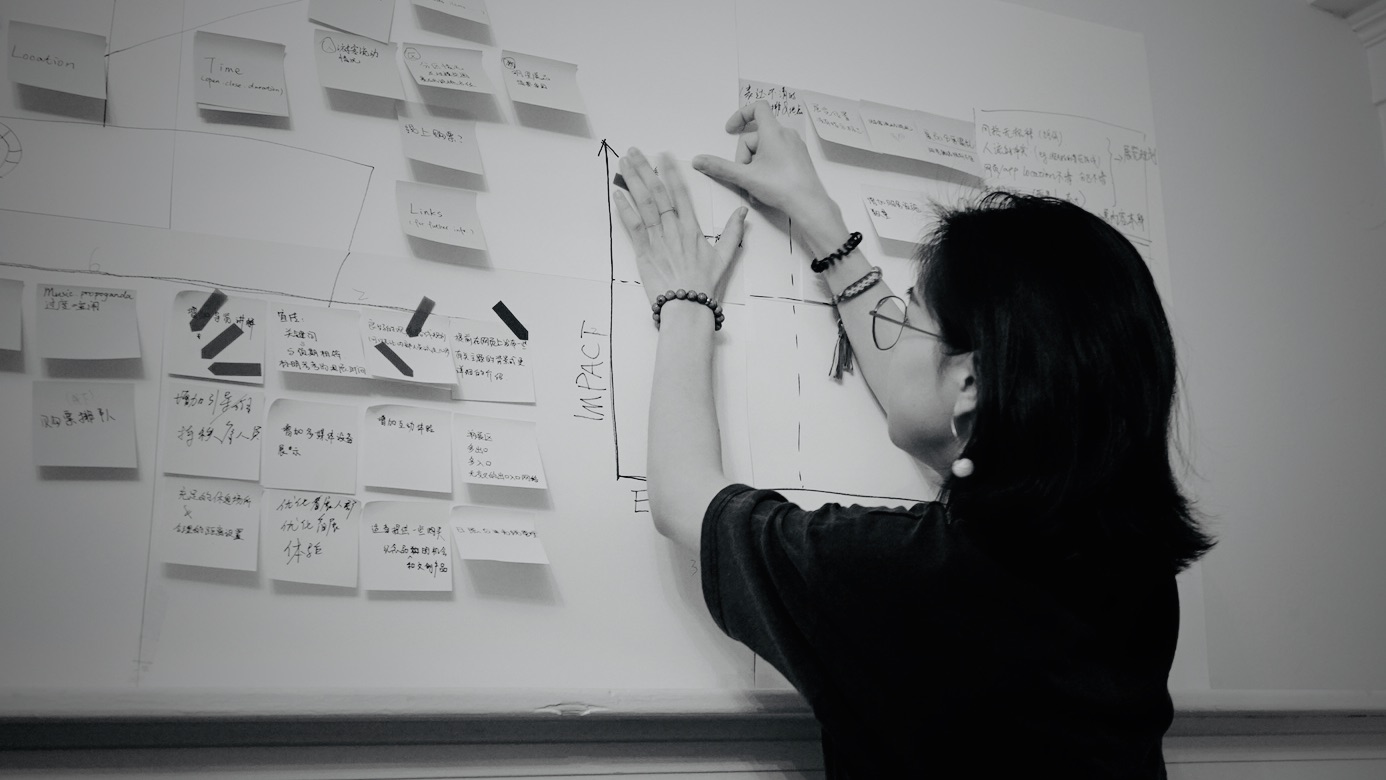
Paper sketches and early digital flows established the path from campus discovery to an individual library. Co-creation and follow-up interviews then made two needs clearer: flexible filters and an understandable view of seat distribution.
The original second testing round found that students still struggled to decide on a library or seat quickly. I revised the availability display and added direct actions to reduce the amount of interpretation required.
| Observed issue | Original iteration | 2026 design refinement |
|---|---|---|
| Triangle shapes were not intuitive | Reworked the shapes and colors used to summarize each floor. | Use plain labels, seat counts, and consistent availability states. |
| Facilities were easy to overlook | Moved popular features below library photos. | Keep quiet, outlets, and lighting beside the decision controls. |
| Getting to details took effort | Added Directions, View Seats, and Save shortcuts. | Give View Seats clear priority; keep directions and saving within reach. |
| Availability needed freshness context | Proposed updates every five minutes. | Show when information was updated and explain that availability can change. |
The mobile experience organizes the product around three decisions: where to go, whether it fits this visit, and where to sit. Real campus imagery establishes context; simple labels make the next action clear.
Distance and availability appear together, so students can judge whether a slightly longer walk is worth it. The map complements a readable list rather than carrying every detail at once.
A quiet solo session and a group meeting call for different environments. Editable filters keep those choices visible, while library details put the practical information next to the action.
Seat states use labels and shape as well as color. A selected seat reveals its amenities and update time. The experience supports a choice without promising a reservation it cannot fulfill.
Onboarding, discovery, map, filters, library detail, floor view, seat detail, directions, saved places, and no-match states share one type system, component language, and photography treatment.
The project established a mobile flow for comparing spaces and understanding seat conditions before arrival. Research and testing shaped the flow.
Photos, distance, facilities, and availability help students evaluate a library before investing in the trip.
Floor and seat views connect a building-level choice to the conditions needed for actual study.
Validate the flow with students and confirm how occupancy data could be collected and maintained.
Sensor integration was not implemented in the original project because of device and budget constraints. Occupancy sensing, accessible indoor routing, and any future AR guidance would need technical validation and library collaboration before a live service could make dependable claims.
I would evaluate time to choose an appropriate space, task completion, and comprehension of availability freshness in the next study. The current evidence does not establish a reduction in search time or a shipped campus outcome.
© 2026 Carleen Liu. All rights reserved.